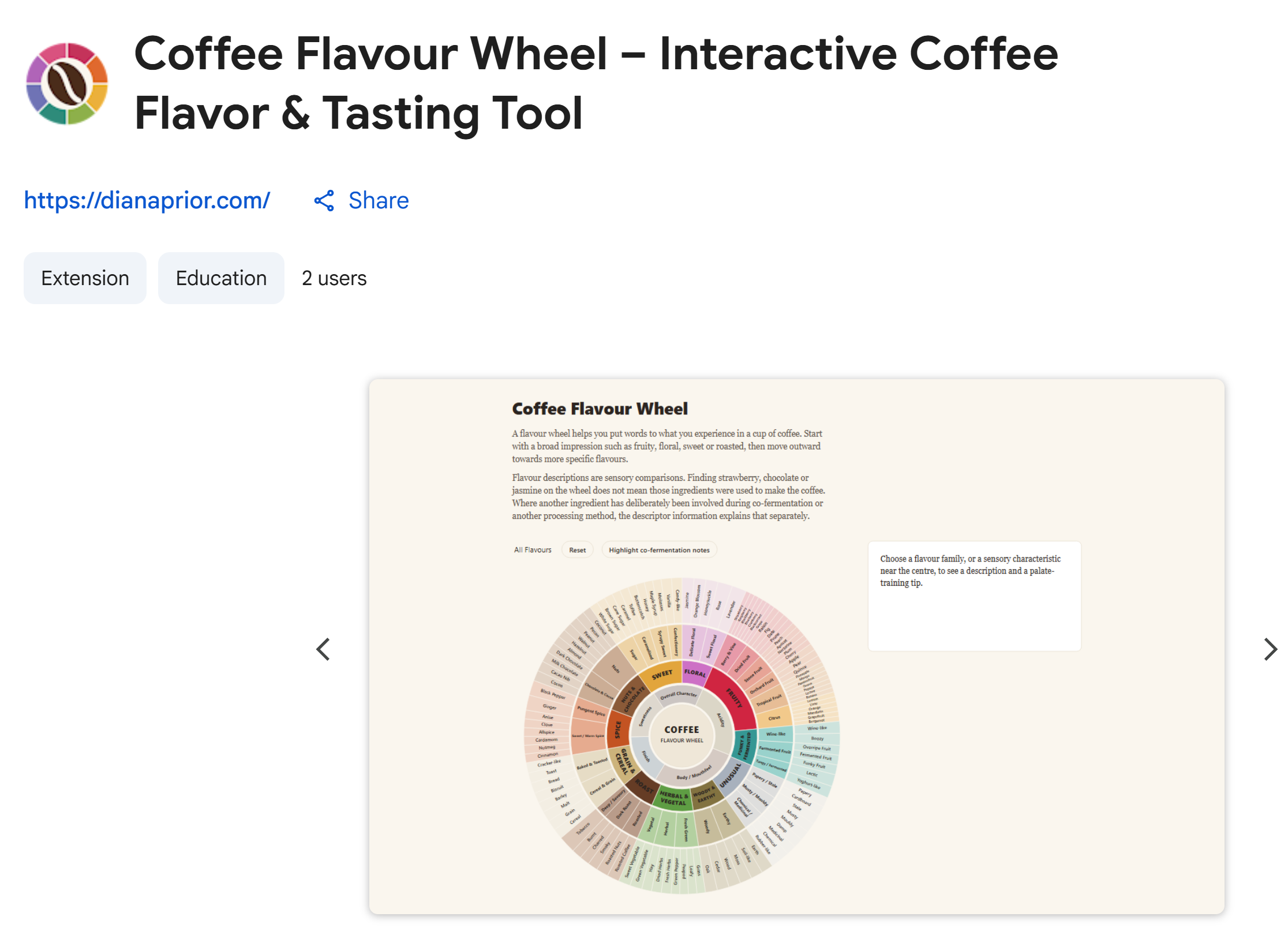
I like big, colourful things. So I made a big, colourful wheel. Then I made it interactive. Then I thought that it is a bit hidden on my website.
So, I turned it into a free Chrome extension.
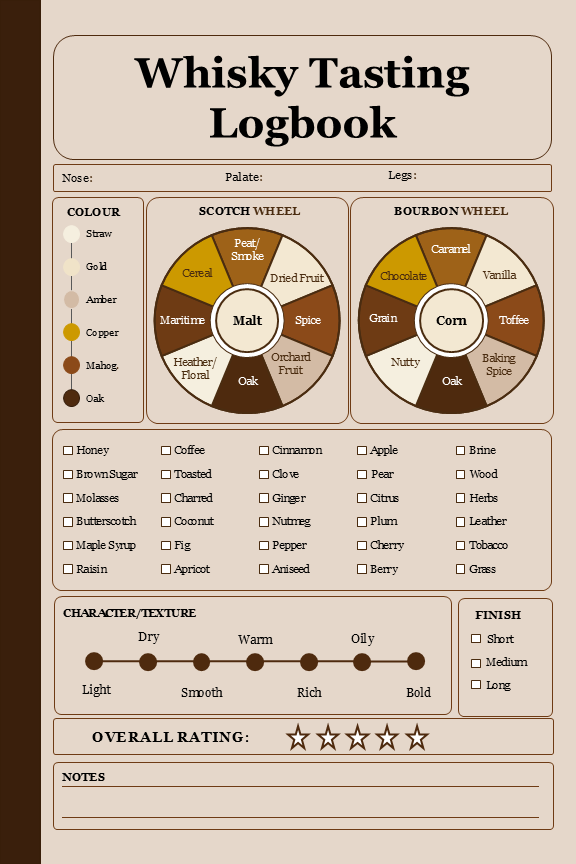
In tasting journals the flavour wheel either lives tiny on the same page as the scorecard, or it gets its own page at the front of the book - which means you need to flip back to find it. And either way, it's black and white.
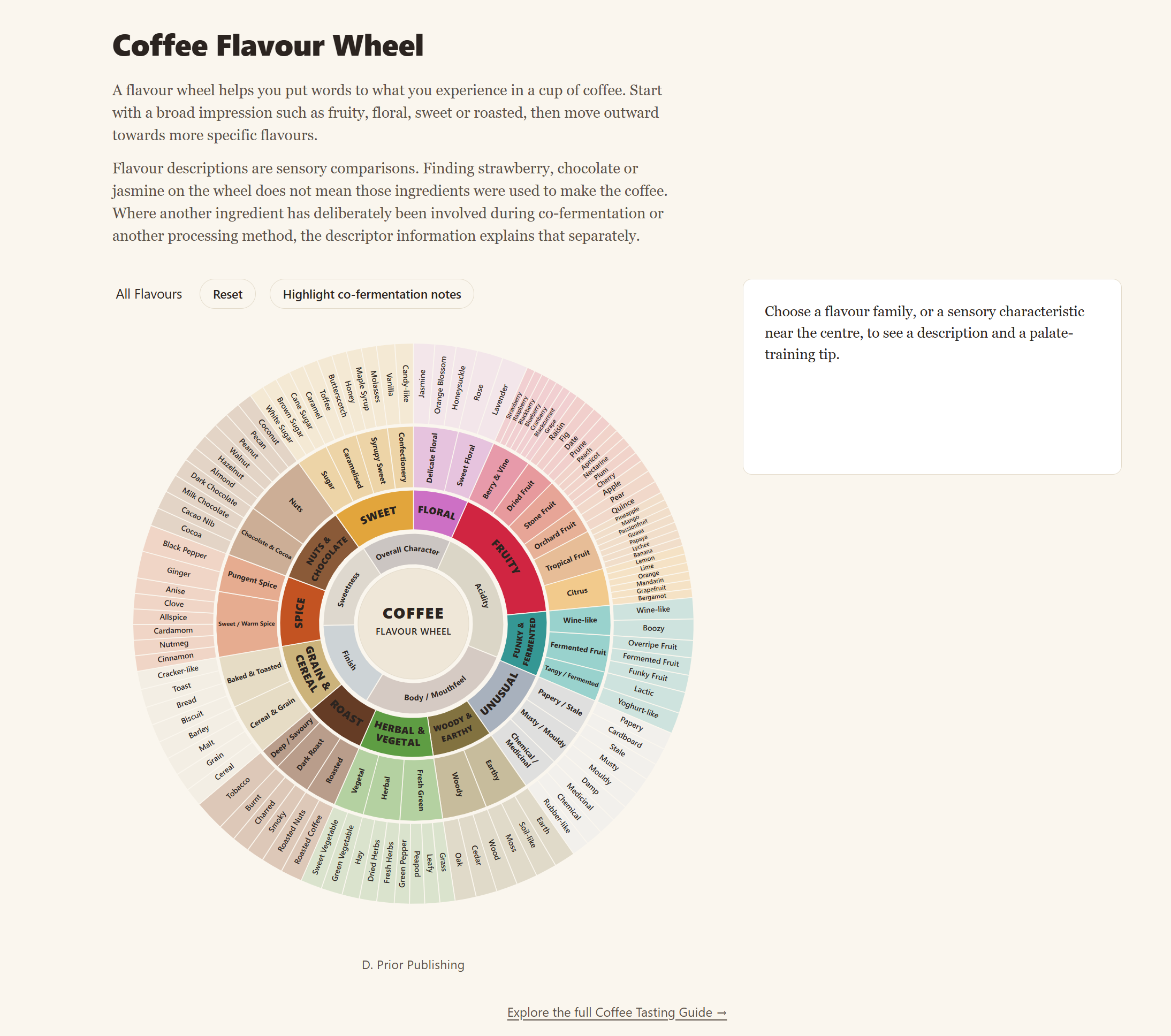
The interactive wheel on the website is different. It's big. Colourful.
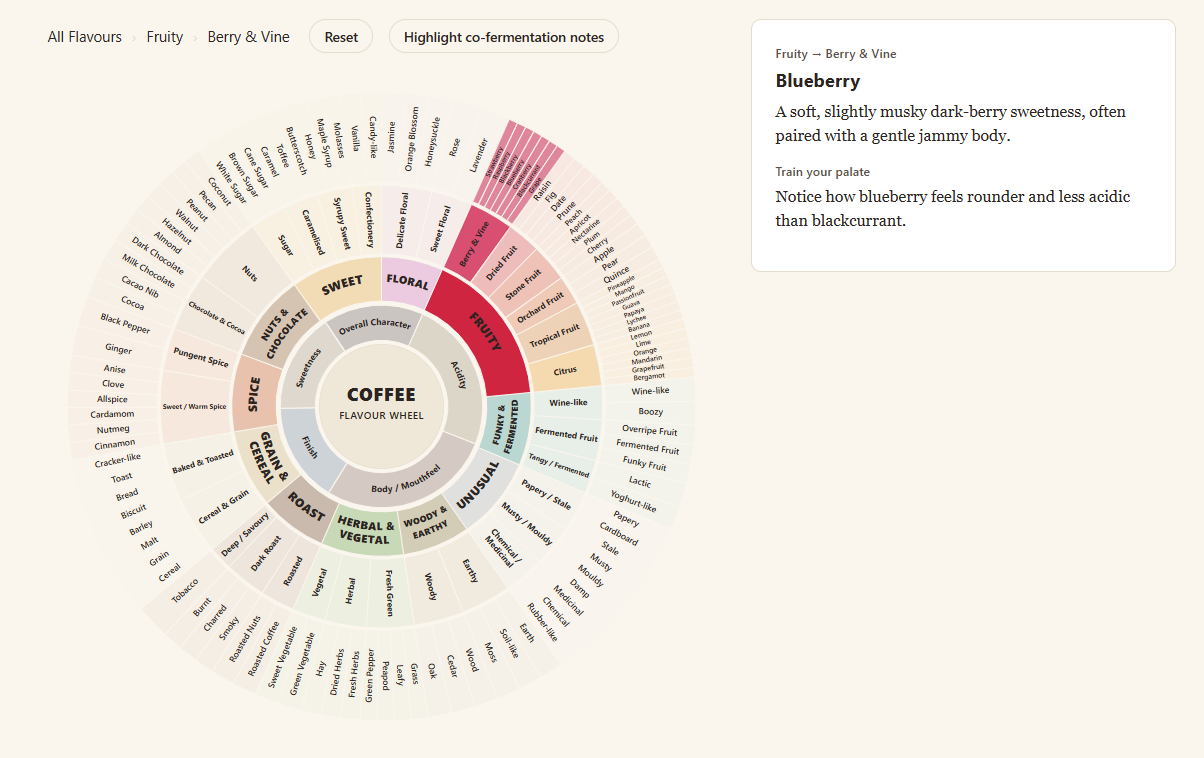
You click on "Fruity" and it highlights the segment. Click on "Berry & Vine" and it highlights only the members of the “Berry & Vine” group. Pick one of them, maybe “Blueberry”, and you get a description and a palate-training tip. There is a reset button. The whole thing is just fun to look at and use.
But if you're sitting at your desk with a cup of coffee and you want to figure out what it is about, you have to go to the website. Which is annoying.
But with the extension it’s one click and the wheel opens.
It even works offline. If you're out with your laptop and have no internet, you can still open it and use it. You probably won’t be tasting coffee in the middle of nowhere, but why not?
(On a phone or tablet, the website tasting wheel works fine in the more restricted mobile view - which is still colourful and better than black and white. The pretty big extension wheel is desktop only, which is where you'd want it anyway.)
If you're someone who uses a tasting journal, you can now access a useful reference tool with just one click on the pinned icon next to your browser.
I hope it will make others smile when they look at it - and not only me.
You can get the free extension here or see the wheel on the website. There is a full guide to tasting coffee too.