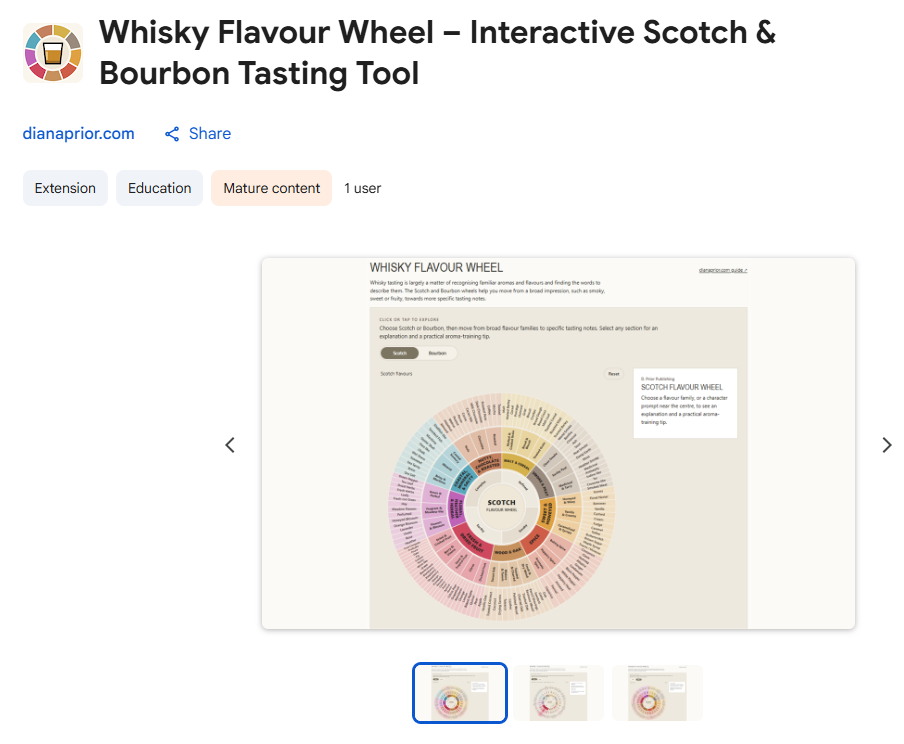
I like big, colourful things. The coffee wheel turned out well enough that I wanted one for whisky too.
Then I started thinking about Scotch and Bourbon. They are not the same drink, so did they need a wheel each? Two wheels, two pages, two of everything? In the end I went for a toggle. One wheel, and you switch between Scotch and Bourbon with a click.
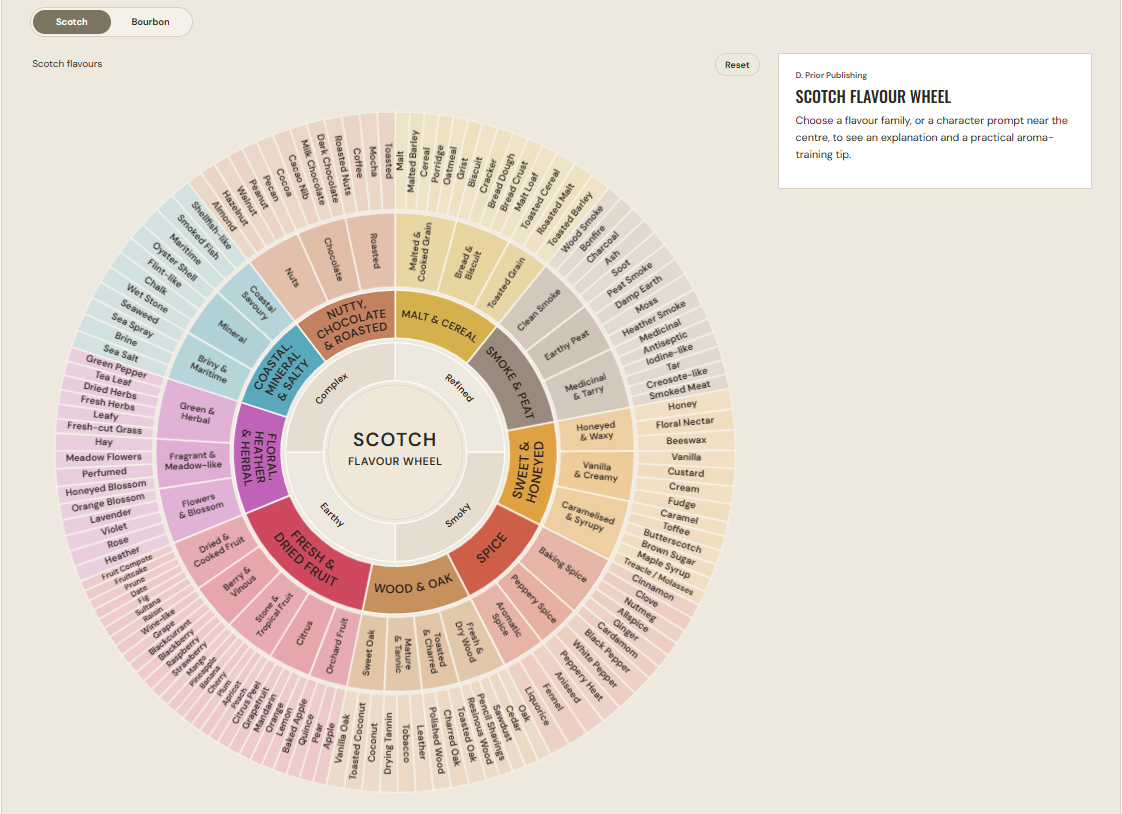
Here is where it helps. You pour a dram, you nose it, and you know it smells of something. You just can’t think what. Finding the right word is harder than it sounds, and that is exactly what the wheel is for. The wheel is a starting point. You can begin with a broad flavour family and follow it towards the specific note that matches your glass. If you select a section, you get a short explanation and an aroma-training tip. There is a reset button too.
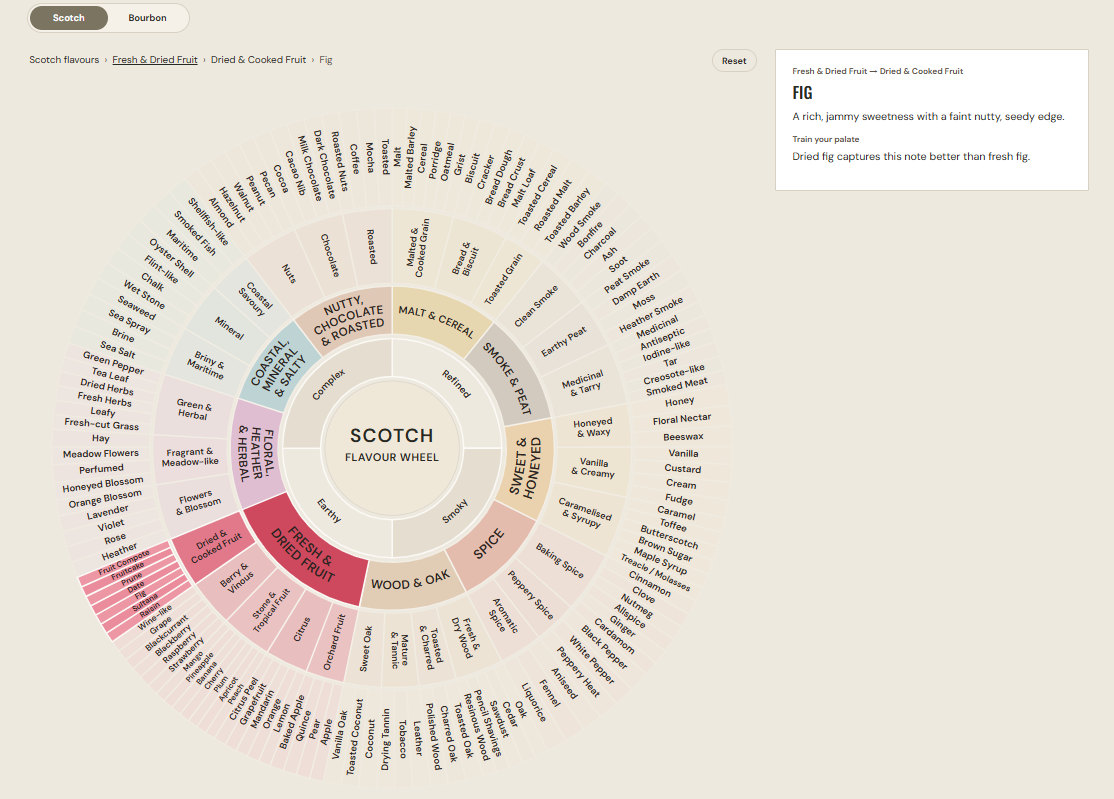
Say you pick “Fresh & Dried Fruit”, then “Dried & Cooked Fruit”, then “Fig”. You get a description (a rich, jammy sweetness with a faint nutty, seedy edge) and a tip for training your palate (dried fig captures this note better than fresh fig).
I will also admit that I just like looking at it. It’s pretty.
Like the coffee wheel, it was a bit hidden on the website. So it is now a free Chrome extension. One click on the pinned icon and the wheel opens in a new tab. It works offline, and there is no account to create.
(On a phone or tablet, the website wheel uses a different layout. There simply isn’t enough screen space for the big version, so the mobile view is a simplified one. It’s still colourful. The big, pretty wheel is for desktop.)
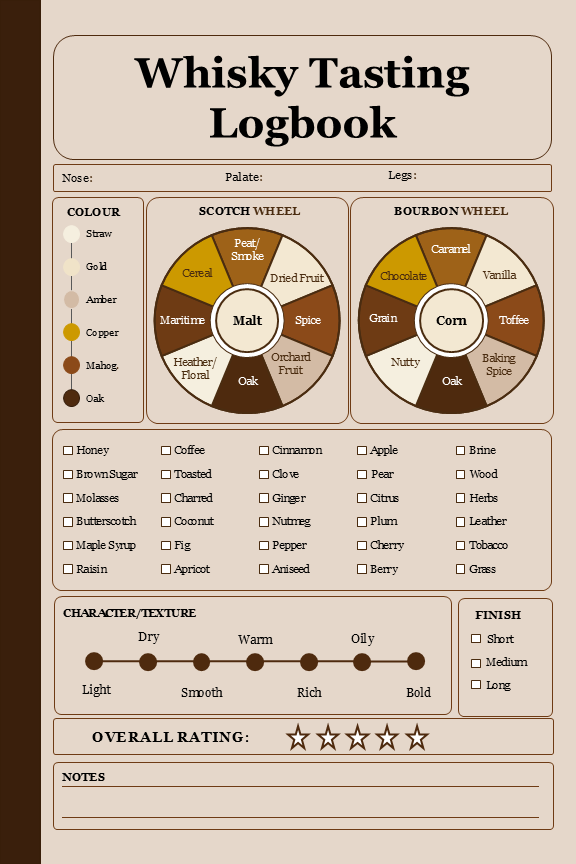
If you use a tasting journal or logbook, this is a handy reference to keep open next to it. A printed page can only fit so much wheel.
You can get the free extension here or try the wheel on the website. If you’d like a place to write your notes down, there is also the Whisky Tasting Logbook.
And if it helps you find the word you were looking for, even better.